
How to check SafeW login devices and remove strangers
Worried someone else is using your account? SafeW lets you view all logged-in devices. This guide shows how to check and what to do if you find an unfamiliar device.
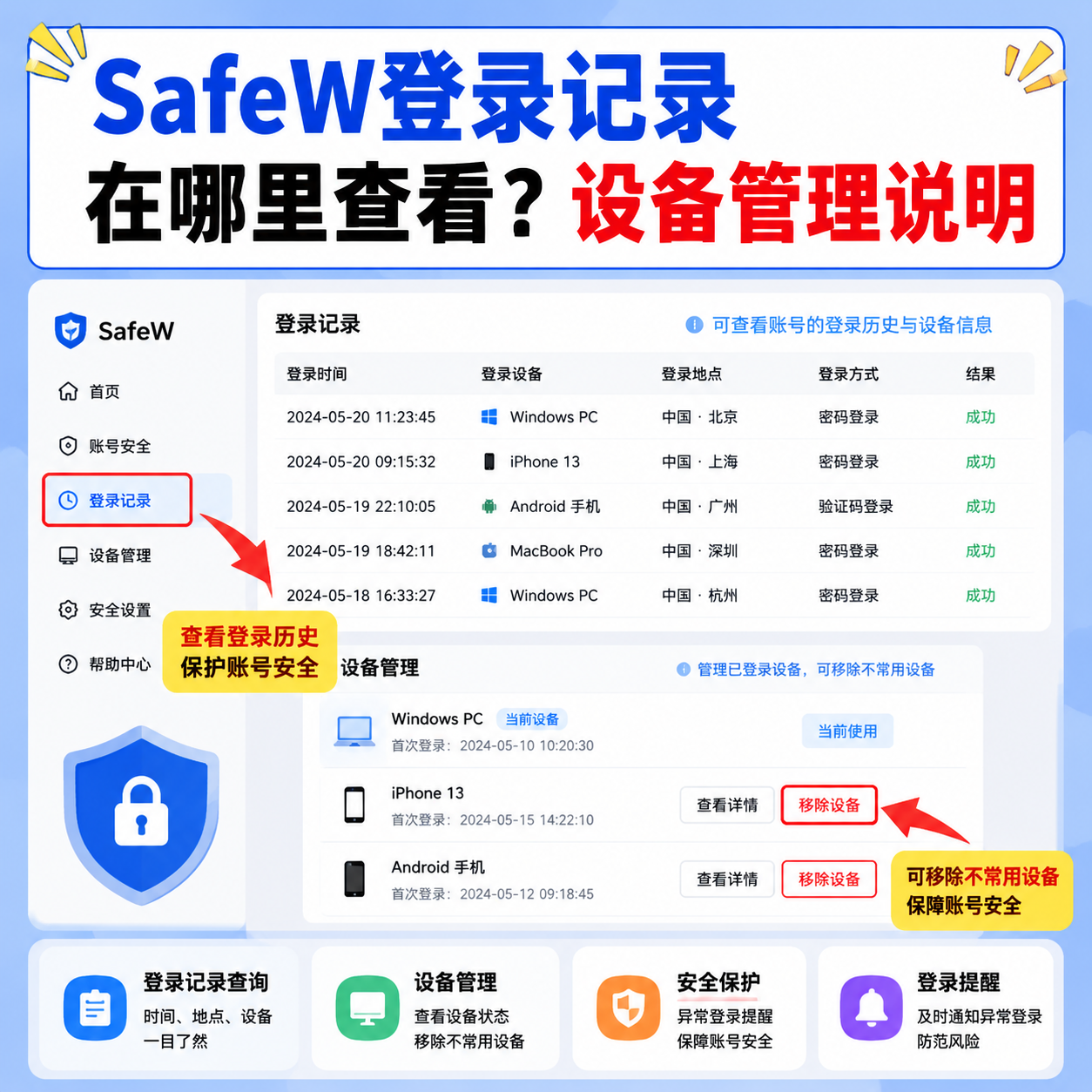
One of the best account-safety habits is regularly checking which devices have logged into your account. SafeW's "Device Management" helps with that.
Where to check login devices
Open SafeW and go to "Settings > Device Management". It lists all devices that have logged into your account, including device name, login time and location.
How to spot an unfamiliar device
Match each device against your own — phone, computer, tablet should all line up. If you see a device you never used, or a strange login location, be alert.
What to do if you find one
First, tap "Log out" on that unfamiliar device in Device Management to disconnect it immediately. Second, change your password in "Account Security". Third, enable two-factor authentication for an extra lock.
Daily protection tips
Don't log in on public computers. Never share your verification code with anyone. Check the device list regularly (e.g. monthly). These habits cut the risk of account theft significantly.
Summary
Account security is a daily habit. Remember the Device Management entry and check it regularly.