
Will my SafeW chats survive a phone switch? Migration guide
Switching phones? This guide covers two ways to keep your SafeW chats and contacts — cloud sync and local backup — plus the special case of secret chats.
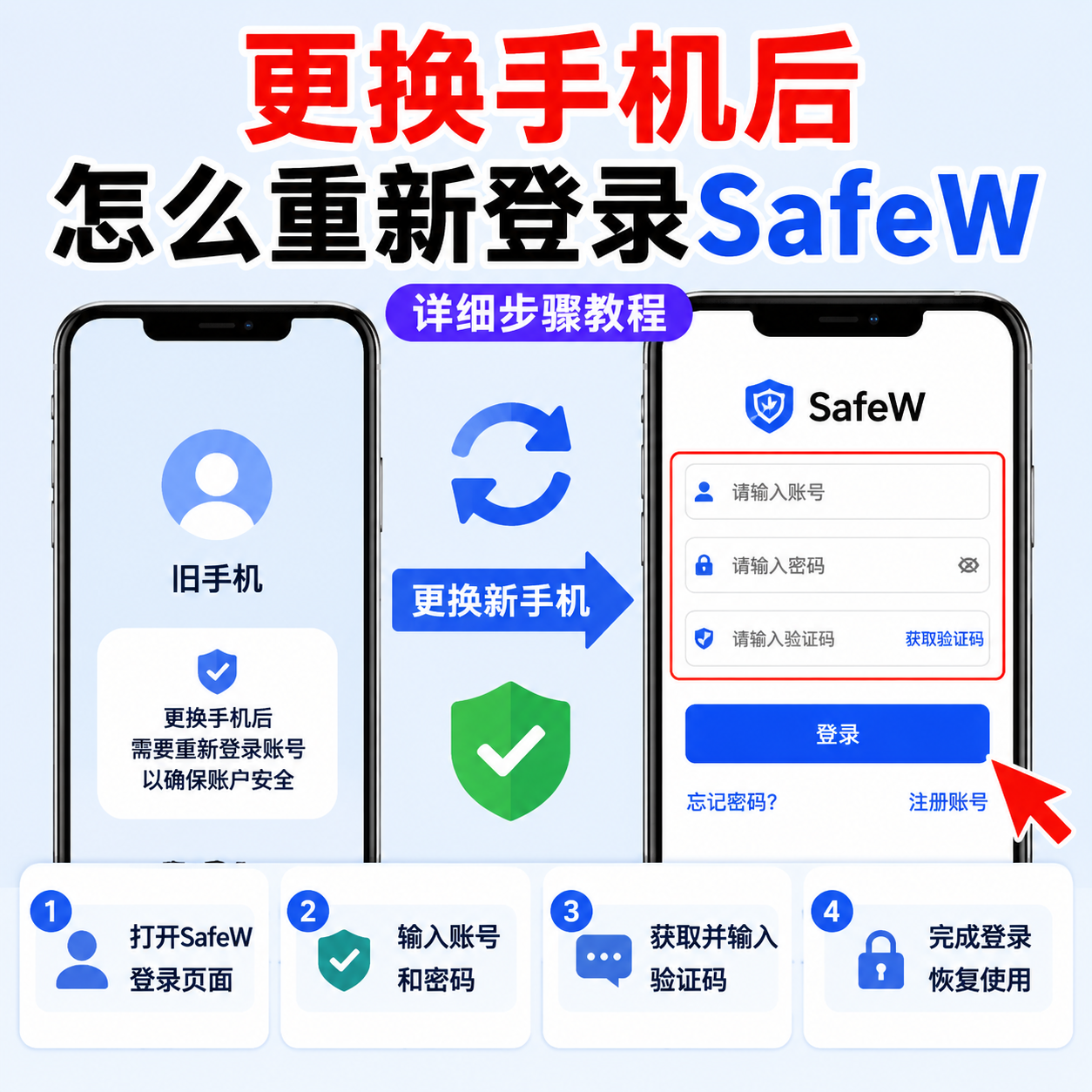
The biggest worry when switching phones: will my chats survive? In SafeW, regular chats can be restored via cloud sync or local backup, but secret chats never sync for security reasons — know this in advance.
Option 1: Cloud sync (easiest)
If you had cloud backup enabled, just log in on the new phone with the same account and your chats and contacts restore automatically. This is the most painless way.
Option 2: Local backup restore
Without cloud backup, use local backup. On the old phone, go to "Settings > Data & Storage" and make a local backup; transfer the file to the new phone, then "Import backup" there.
Secret chats need separate handling
Secret chats use device-level keys and never sync for security. If you need something from them, manually save important content before switching.
Verify after restoring
After the restore, check contacts, recent chats and media files. If something is missing, go back to the old phone and re-export before wiping it.
Summary
Enable cloud backup early and switching phones is painless. If you prefer local backups, keep the backup file outside your phone.