
SafeW says "account is abnormal"? How to fix it
Seeing an "account abnormal" prompt in SafeW? This guide explains the common triggers and how to lift the restriction step by step.
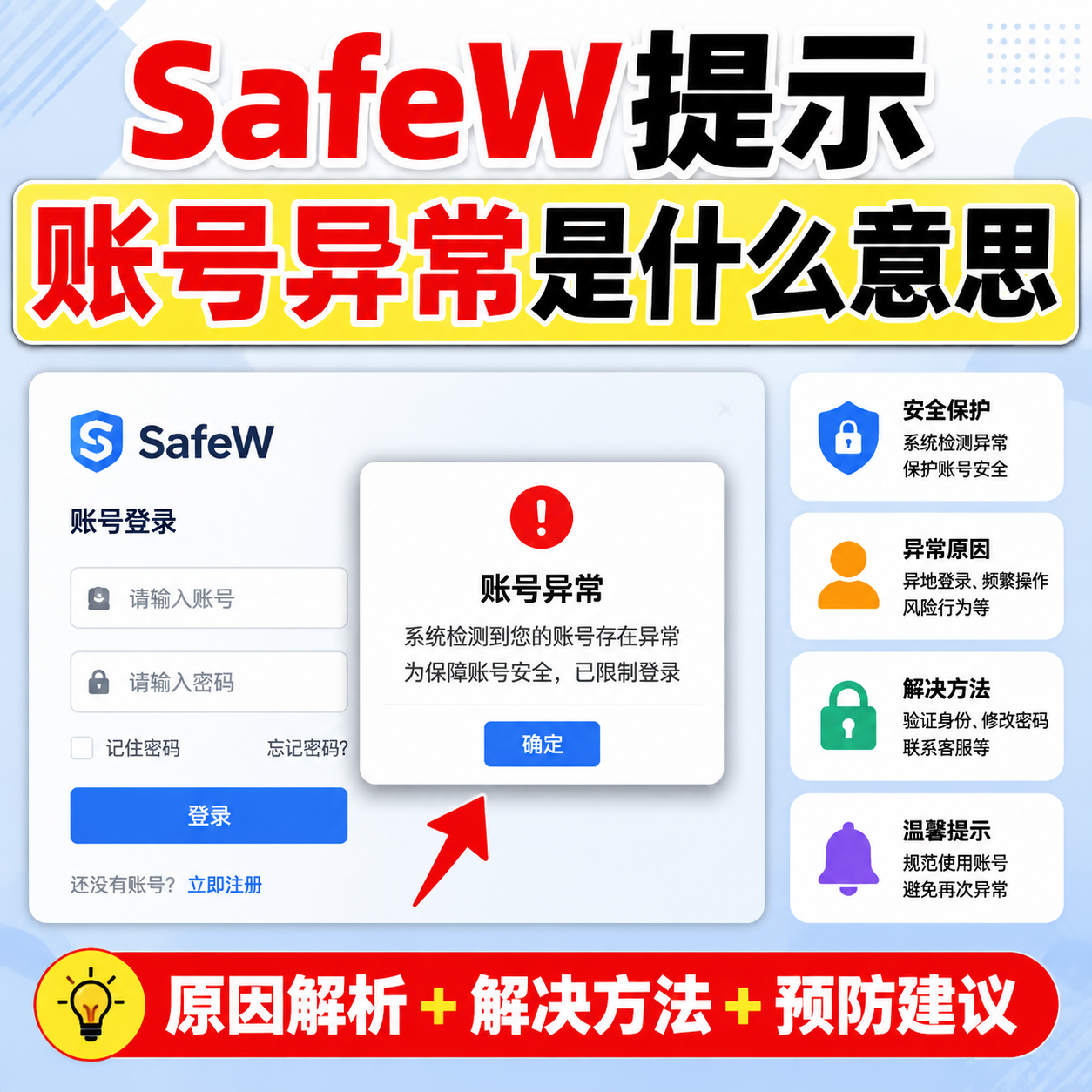
Seeing "account abnormal"? Don't panic. It usually isn't a broken account, but the platform's security control protecting you. Understand the cause and handle it step by step.
Common triggers
First, logging in from a new device or location that the system finds unfamiliar. Second, entering the wrong password multiple times, triggering a temporary limit. Third, the account being protectively locked because it looks stolen. These are the most common.
Step 1: Confirm it's a false trigger
If you recently changed devices, changed networks, or mistyped your password, it's likely a false trigger. Wait a moment and try again, or complete the verification as prompted.
Step 2: Complete identity verification
Finish the phone or email verification as prompted. If you can't receive the code, first confirm your bound phone number and email still work.
Step 3: Contact support
If you can't resolve it yourself, contact SafeW support, explain the situation and verify your identity with your registration info. It usually resolves quickly.
Prevention
Don't reuse the same password across platforms; enable 2FA; when logging in on new devices, use verification codes instead of suspicious networks. Do these and account abnormalities become rare.