
Forgot your SafeW password? Phone/email recovery steps
Forgot your SafeW password? Don't panic — as long as your bound phone or email still works, you can recover it. This guide covers the steps and post-recovery security.
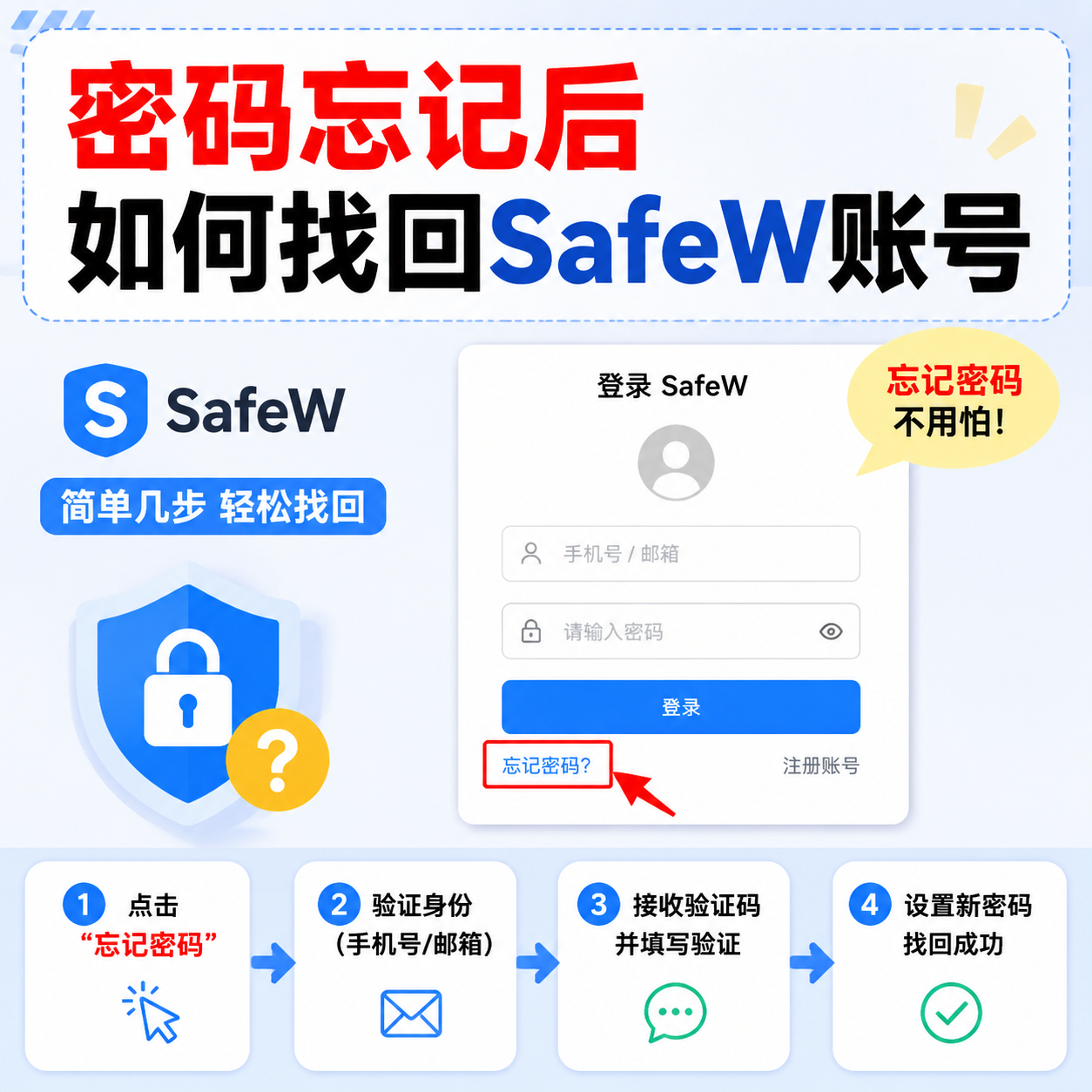
Forgetting a password is common. As long as the phone number or email you registered with still works, you can recover your SafeW account.
Step 1: Tap "Forgot password"
On the login page, find "Forgot password" and tap it. The system will guide you to choose a recovery method.
Step 2: Choose phone or email
Enter the phone number or email you registered with. The system sends a verification code.
Step 3: Enter the code
Fill in the code you received, and after verification you can set a new password. Use a mix of letters, numbers and symbols — not too simple.
Step 4: Security check after recovery
After recovering, do two things immediately: enable two-factor authentication, and check Device Management for unfamiliar devices — log them out if any. Only then is your account truly secure.
What if you can't receive the code
First confirm your phone or email works; check whether the code was blocked (SMS blocked, email in spam); if not, contact support with your registration info for manual recovery.
Summary
Forgetting once is fine. What matters is hardening the account afterwards to avoid trouble next time.